
2CE · Civiniq Civil Estimation
Free for 3 months · No credit card
Civil estimation software with a 3D model viewer
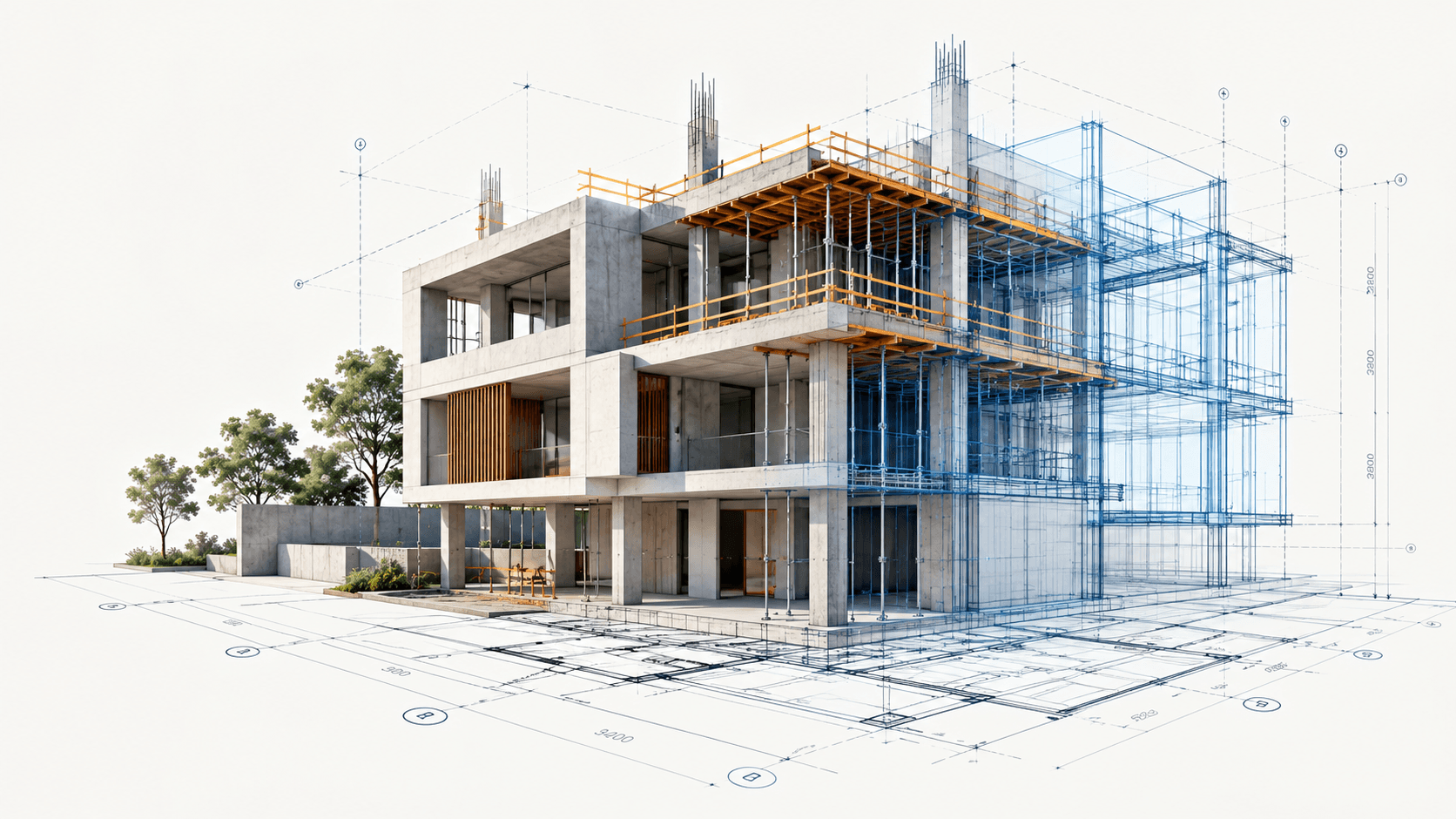
Upload your Revit model and 2CE measures every wall, slab and column, checks the model for mistakes, prices it at your rates and builds the BOQ — in minutes, not days. View it in 3D and share the estimate with one link.
- Revit to BOQ
- 3D model viewer
- Shareable project link
How it works
From Revit model to priced BOQ in four steps
Deterministic IFC parsing and engineering rules do the measuring. You stay in control of every decision.
- 01
Upload
Export an IFC from Revit with base quantities and upload it. Metric or imperial — units are read from the file.
- 02
Model check
Duplicates, elements without a level and impossible sizes are flagged. You decide — nothing changes silently.
- 03
Map
Each element type is matched to one of your work items. Clear matches are made for you; the rest come with suggestions.
- 04
Generate BOQ
Quantities measured floor by floor, priced at your rates, with a measurement sheet behind every line.
The BOQ
A bill of quantities you can check line by line
Every line opens to its measurement sheet — which elements, what sizes, what was deducted. Export the abstract and measurement sheets to Excel, or send your client a read-only project link.
- Floor-by-floor abstract with subtotals and grand total
- Openings, lintels and beams deducted by your rules or IS 1200
- Plaster, steel and shuttering added with the items that need them
Everything in one place
Estimation, BOQ, 3D viewer and project links in one place
One upload gives you the quantities, a model check, a 3D model, a priced BOQ and a link to send your client.
Civil estimation
A complete estimate from the model, at your own rates.
BOQ generator
A priced bill of quantities with abstract and measurement sheets in Excel.
Revit to BOQ
Export from Revit, upload, and get a priced BOQ — no plugin, no takeoff.
3D IFC viewer
Open IFC models in 3D in the browser — nothing to install.
Share project link
One read-only link with the BOQ, the 3D model and your drawings.
Revit 3D model viewer
Revit models in 3D in the browser, for anyone — no Revit licence.
Quantity takeoff
Volumes, areas, lengths and counts for every element in the IFC.
Cost estimation
Building cost from your material and labour price list.
IFC model checker
Finds duplicates, missing levels and unhosted openings before you price.
IS 1200 measurement
Deductions by your rules or the IS 1200 preset, listed line by line.
3D IFC viewer
See the model — and its problems — in 3D
Open any IFC in the browser, no Revit needed. The model check flags duplicates, elements without a level and doors outside walls, and Show in 3D highlights exactly which elements a warning is about. Share the 3D model with a link — your client opens it without an account.
Free tools
Free civil estimation calculators
Quick material quantities for a single element — no sign-up needed.
Concrete calculator
Cement bags, sand and aggregate for M7.5 to M25 concrete.
Brick calculator
Number of bricks, cement and sand for brickwork, with openings deducted.
Plaster calculator
Cement and sand for wall and ceiling plaster.
Steel weight calculator
Weight of TMT bars by D²/162, per metre and in total.
Who it's for
Built for the people who price buildings
Civil engineers
Estimate residential and commercial buildings without days of manual takeoff.
Architects & designers
Show clients the building in 3D and the estimate behind it, with one link.
Contractors & builders
Price tenders quickly and see the cost of every floor before you commit.
Quantity surveyors
Measurement sheets you can check element by element, with every deduction listed.
Pricing
₹0 for your first 3 months
Every feature, unlimited projects and uploads, no credit card. We don't charge anything during early access.
FAQ
Frequently asked questions
What is 2CE?
2CE (Civiniq Civil Estimation) is civil estimation software. It turns a Revit model into quantities and a priced BOQ at your own rates, shows the model in 3D in the browser, and lets you share the estimate, the 3D model and drawings with one read-only link.
How do I generate a BOQ from a Revit model?
Export the model to IFC from Revit (File → Export → IFC, with base quantities ticked) and upload it. Civiniq measures every element, prices it at your rates and builds a floor-by-floor BOQ with measurement sheets, ready for Excel.
Is Civiniq free?
Yes — free for your first 3 months with every feature included. No credit card is needed.
Do I need Revit installed?
Only to export the IFC file. Civiniq itself runs in the browser, and anyone can view the model in 3D without Revit.
Does it work with models in feet?
Yes. Units are read from the IFC file, metric or imperial, and quantities can be shown in m³, m² and m or cft, sft and rft.
Can I share the estimate with my client?
Yes. Create a read-only project link with the BOQ, the 3D model and your drawings. Your client opens it in the browser without an account, and you can revoke it any time.
Can I view a Revit model in 3D without Revit?
Yes. Every uploaded IFC opens in a 3D viewer in the browser — orbit, zoom and click elements. Anyone you share a link with can view it too.
Is my data safe?
Your models, rates and BOQs are private to your account and only shared through links you create and can turn off.
Price your next model in minutes, not days.
Upload a Revit IFC and generate a priced BOQ with full measurement sheets. Free for 3 months — no credit card.